What Steda does
Two products on one platform. Buy either or both; you get one sign-in, one period close, and one connection to QuickBooks.
Steda Receivables
Collections that run from your aging, and a portal where your customers pay you.
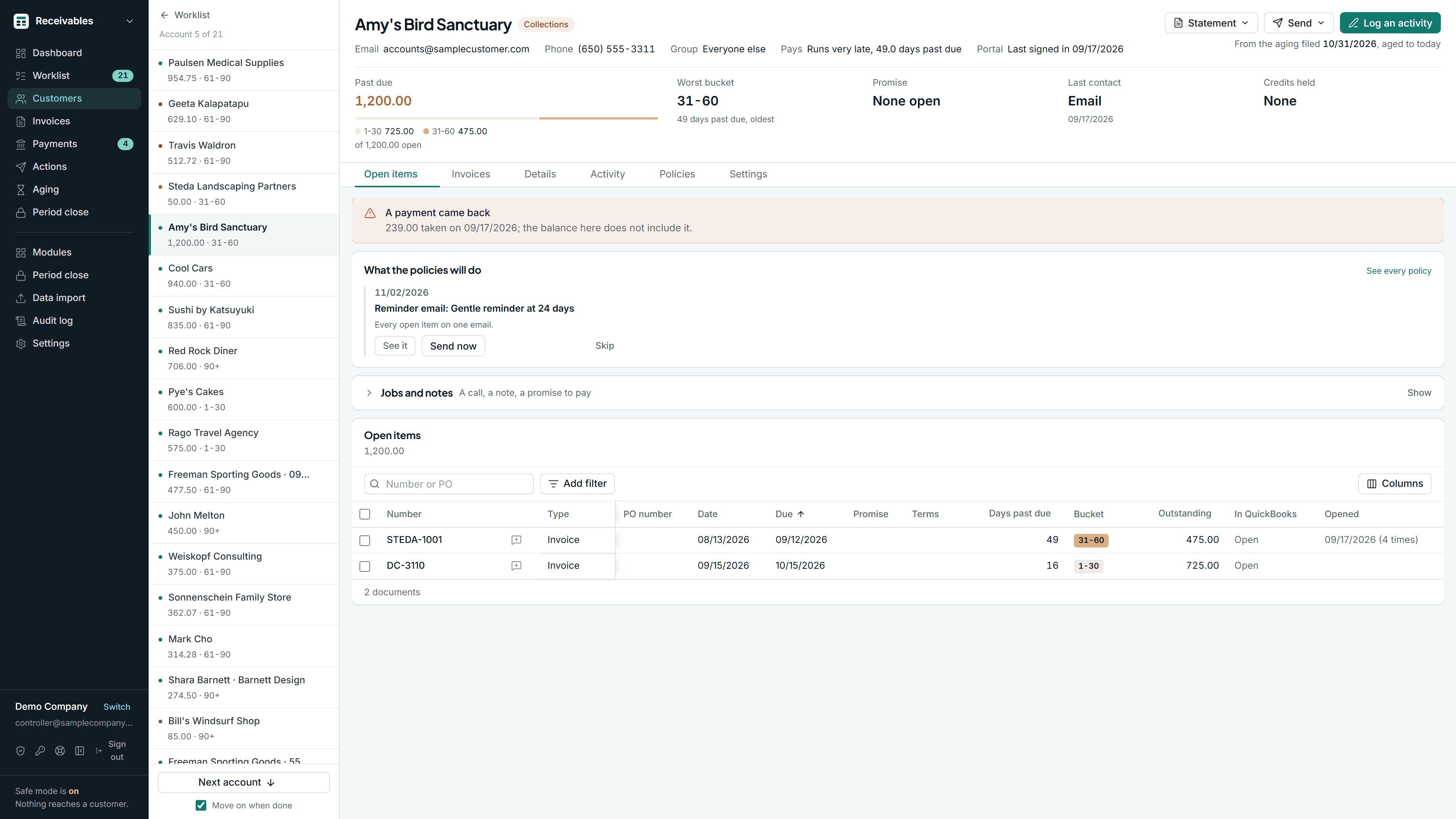
The aging export and the follow-up list
Aging and collections →
Aging by due date, a ranked collections queue, and the allowance at month end
The emailed invoice and payment link
Customer invoice portal →
Your customers sign in to see what they owe and pay through your own payment account
Steda Registers
Fixed assets, prepaid expenses, leases and loans, and Texas property tax, on one close.
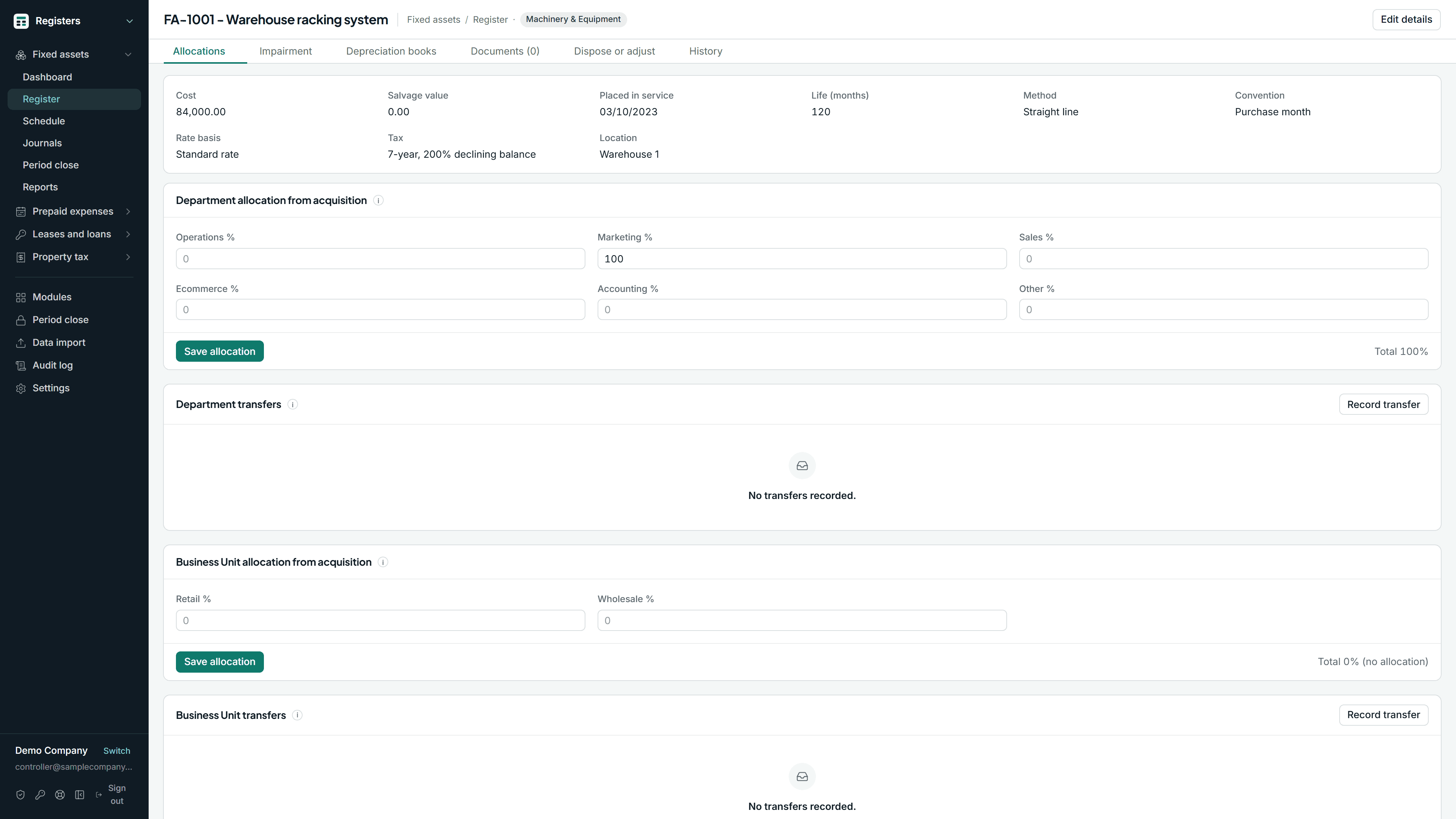
The depreciation workbook
Fixed assets →
An asset register with book and tax depreciation
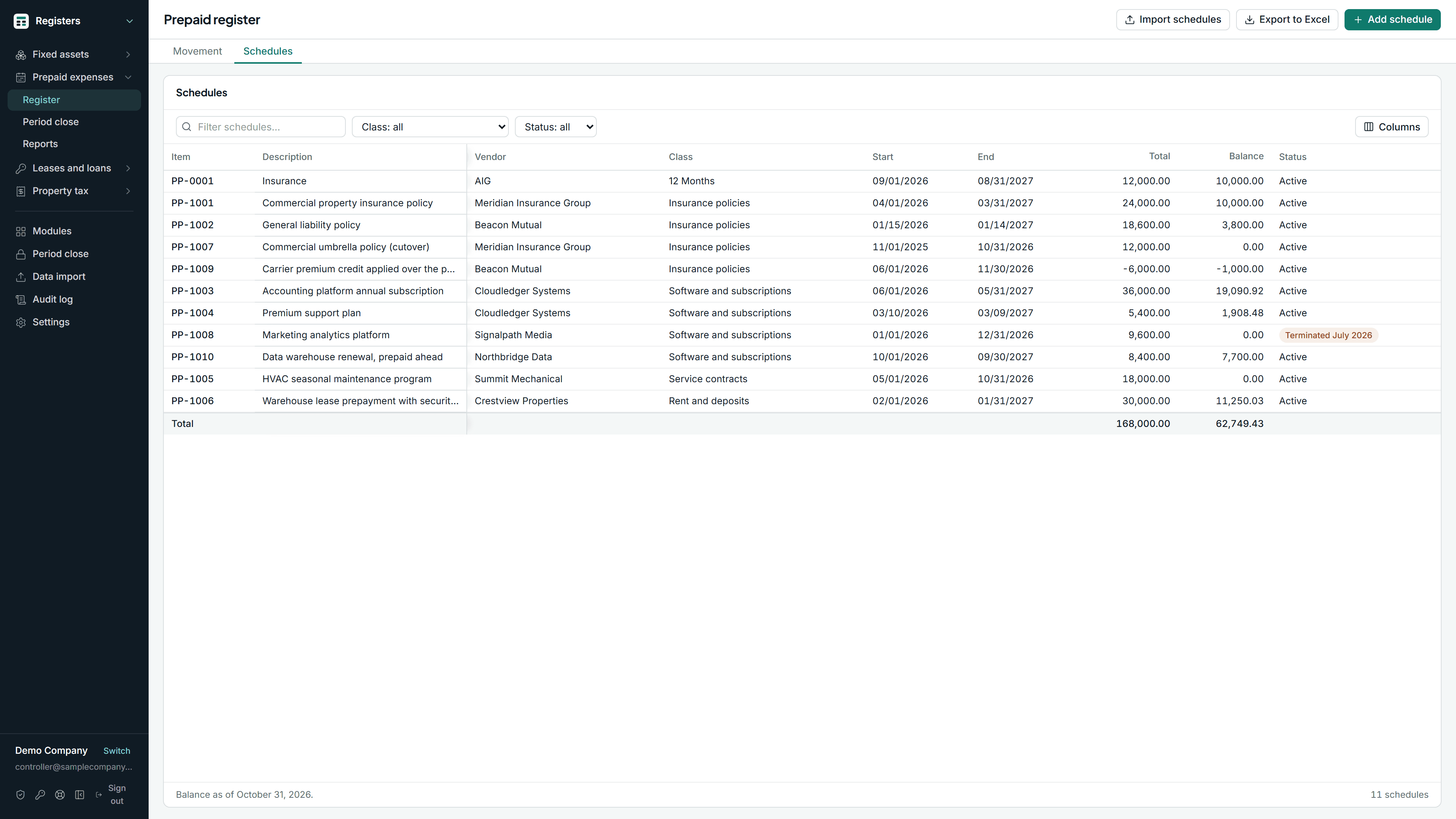
The prepaid schedule tab
Prepaid and deferred expenses →
Amortization schedules and the monthly entry that comes off them
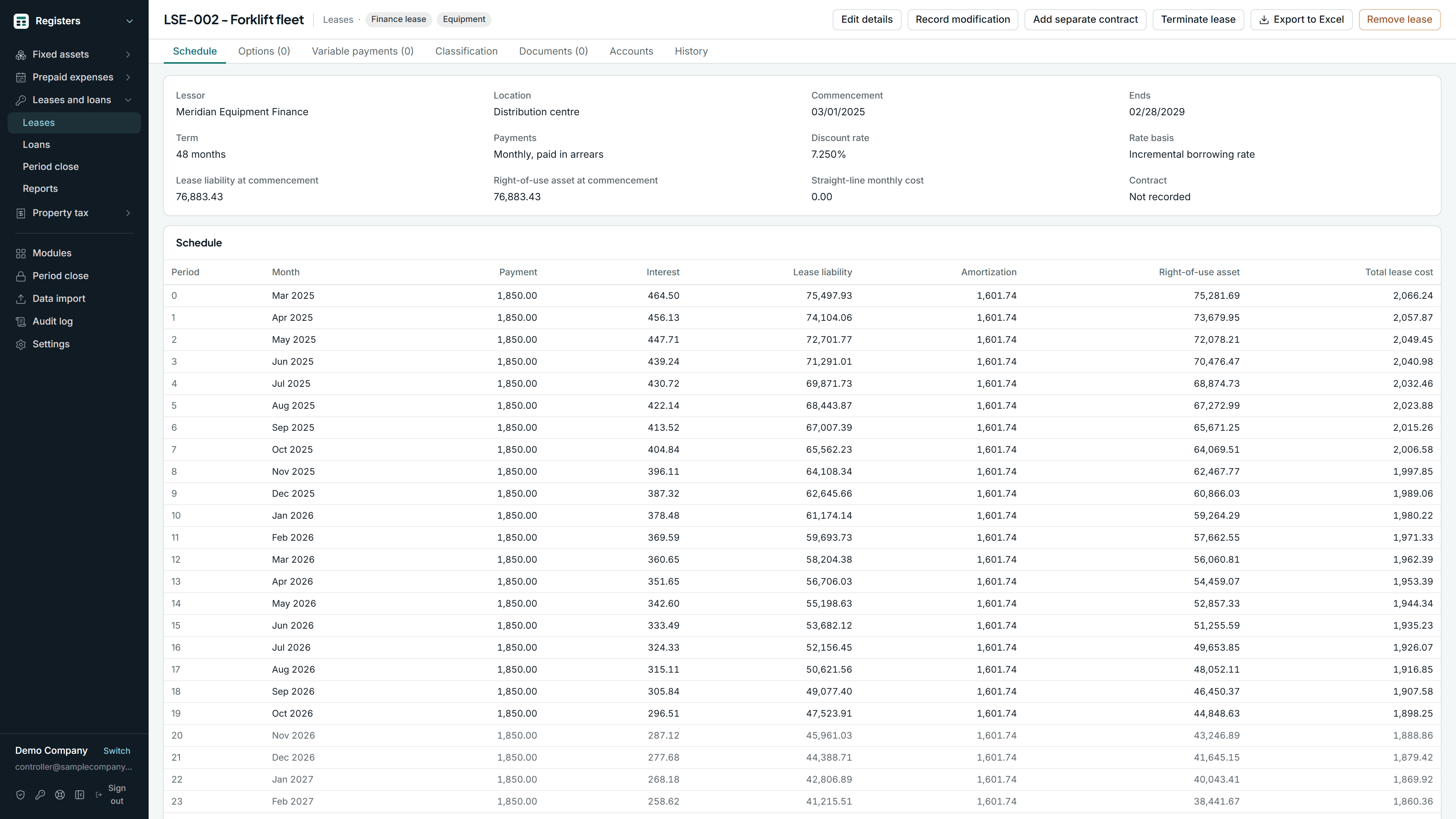
The lease and loan spreadsheets
Leases and loans →
Lease liabilities and right-of-use assets under Accounting Standards Codification 842, and notes payable, on the same effective interest schedule
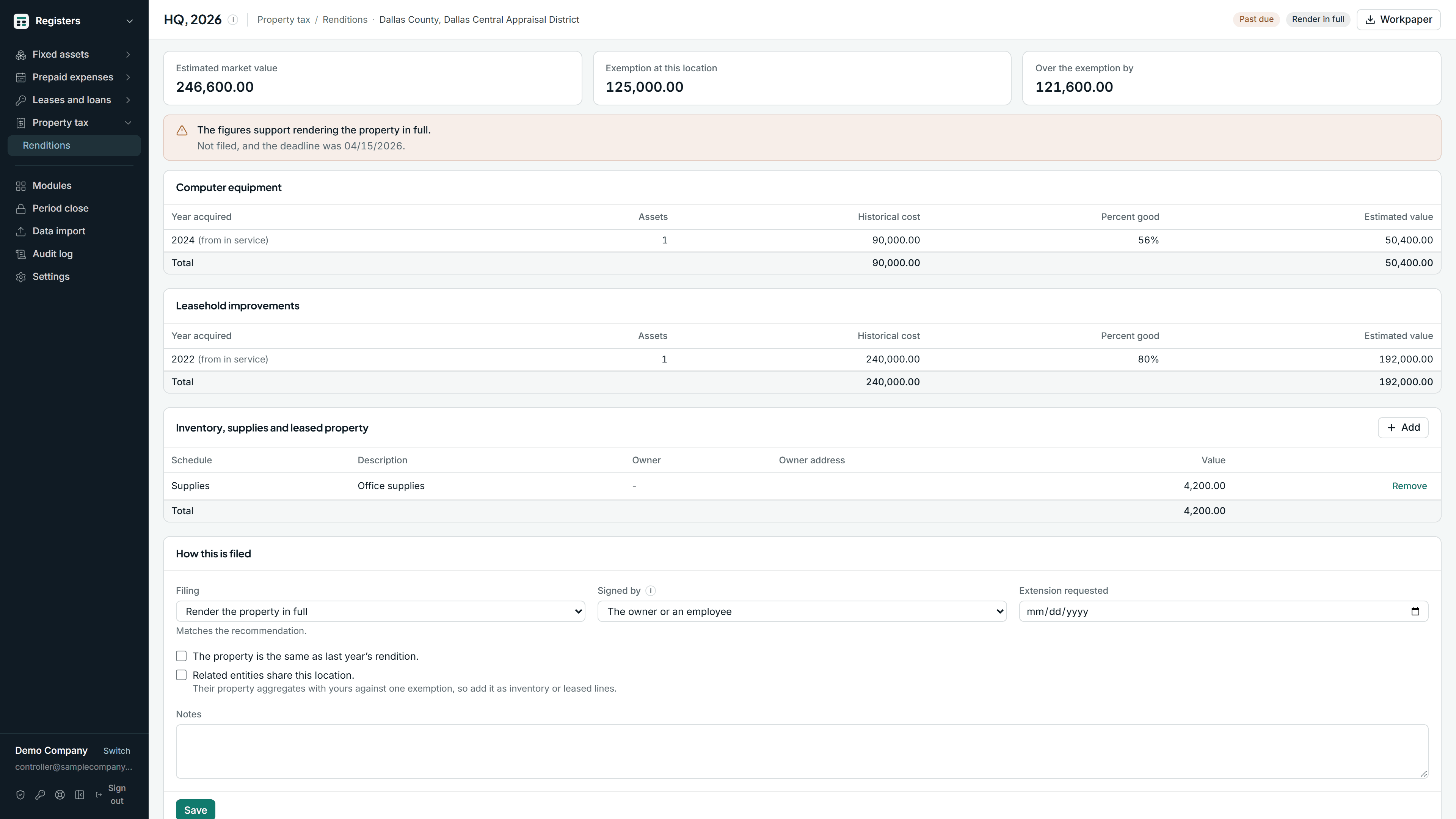
The rendition worksheet
Property tax renditions →
Texas business personal property renditions, built from the register you already keep
What period close locks
Each period closes in sequence and locks, and a closed month cannot be edited without a recorded reopen. The schedule behind a journal entry and the aging behind the allowance stay as they were when the month closed.
In a spreadsheet, any cell can be edited afterward and nothing records it.
Sample Company, month-end close
October 2026 closed| Register | October 2026 | Period |
|---|---|---|
| Fixed assets | Journal entry posted | Locked |
| Prepaid and deferred expenses | Journal entry posted | Locked |
| Leases and loans | Journal entry posted | Locked |
| Property tax renditions | Reads the fixed asset register | Locked |
| Aging and collections | Aging and allowance filed | Locked |
Data import for QuickBooks
Eighteen kinds of file, including the chart of accounts, invoices, bills and journal entries, staged and previewed row by row into QuickBooks Online and QuickBooks Desktop, with an audit trail.
Staged first
Every file uploads to a staging area, where you see each row mapped and validated before anything is saved or posted. Errors show per row with the reason.
Works with both QuickBooks
Posts to QuickBooks Online through the API and to QuickBooks Desktop, including Enterprise, through the Web Connector. The same file works for either destination.
A log of everything
Every import run is recorded: who ran it, what file, which rows posted, which were skipped and why.
Your files at onboarding
Each register has an import template, checked row by row and loaded whole or not at all, and the aging comes in from QuickBooks or from a customer list and open items file. A clean export goes live the same day; a messy one is scoped as implementation work that we do with you.
The import tool is included with both products and is not sold separately. If you need only a one-off import, book a walkthrough and ask about the implementation service.
What Steda is not
Not a general ledger. QuickBooks stays your ledger. Steda keeps the registers beside it and posts the entries back.
Not a payments processor. Your customers pay through your own Stripe account. Steda records what happened, posts it to QuickBooks, and never holds the money.
Not enterprise asset management. No maintenance schedules, work orders, or barcode scanning.
Not a tax filing service. The property tax register produces the workpaper. Filing with the county is yours.
Not lessor accounting. Leases and loans covers the business paying rent or financing equipment, not the business leasing it out.
Not an accounting firm dashboard. Multi-entity is included; there is no firm-level tooling across many clients today.